Trial 15 zile — verificare card 1 €. Configurare asistată inclusă.
Începe acum
🚚
Record a supplier purchase
Log a delivery from a supplier to update stock and track purchasing costs.
Stock & purchases4 steps
- 1
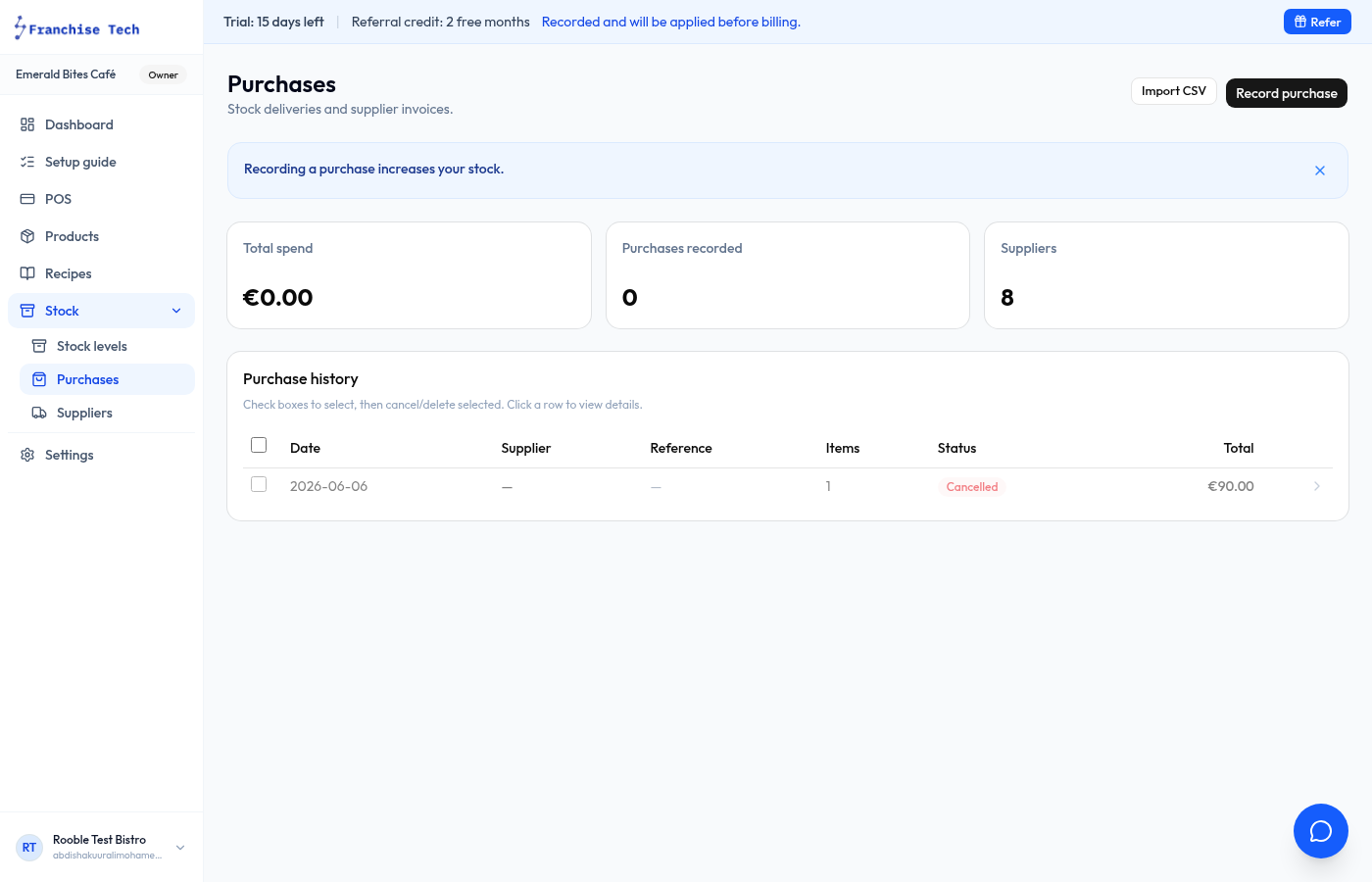
Go to Purchases
Click Purchases under Inventory in the sidebar.
- 2
Click New purchase
Press New purchase. Select the supplier, set the delivery date, and add line items.
- 3
Add line items
For each item delivered, select the ingredient or product, enter quantity received and unit cost. The total calculates automatically.
- 4
Save the purchase
Click Save purchase. Stock on hand is updated immediately for every item on the purchase.
You are all set!
Still stuck? Use the chat widget in the bottom-right corner — our team replies within one business day.