Trial 15 zile — verificare card 1 €. Configurare asistată inclusă.
Începe acum
🧾
Set up recipe costing
Link ingredients to a product to calculate cost, margin, and how many you can make.
Recipe costing4 steps
- 1
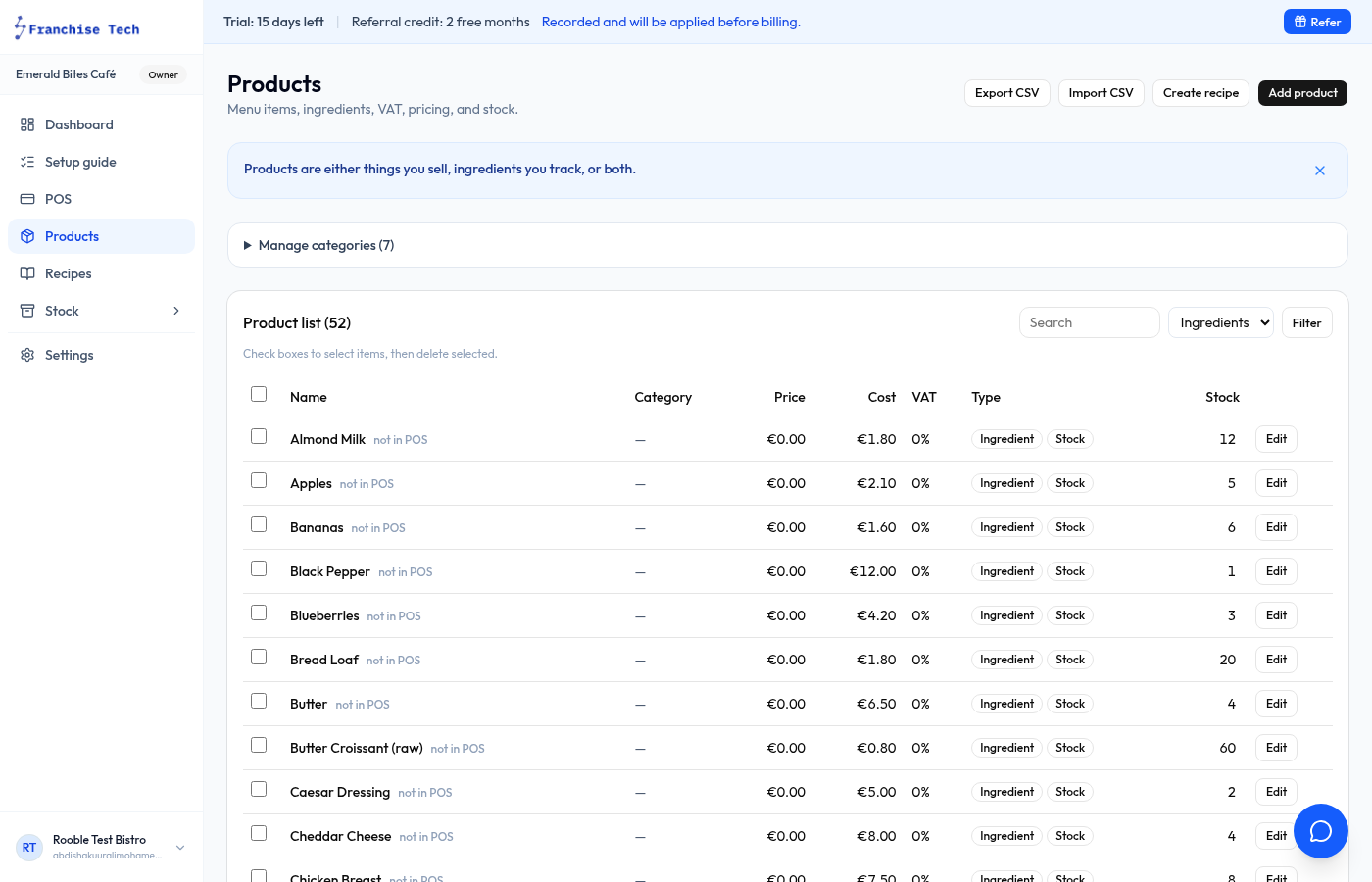
Add your ingredients first
Before creating a recipe, make sure each ingredient exists in Products → Ingredients with a unit cost set.
- 2
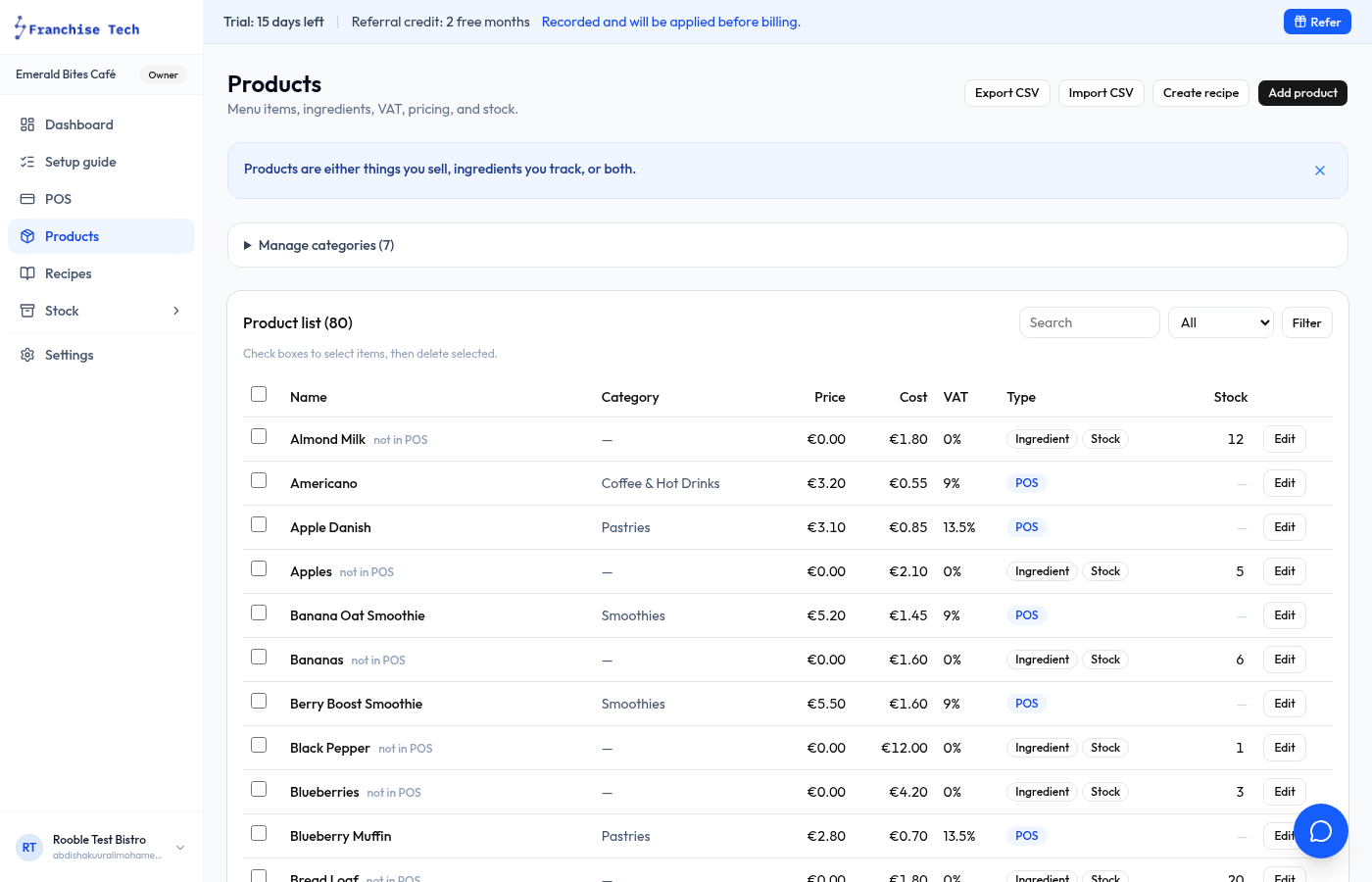
Open the product to add a recipe to
Go to Products, find the product (e.g. "Flat White"), and click it to open the edit view.
- 3
Add recipe lines
In the Recipe section, click Add ingredient. Select the ingredient and enter the quantity used per serving.
- 4
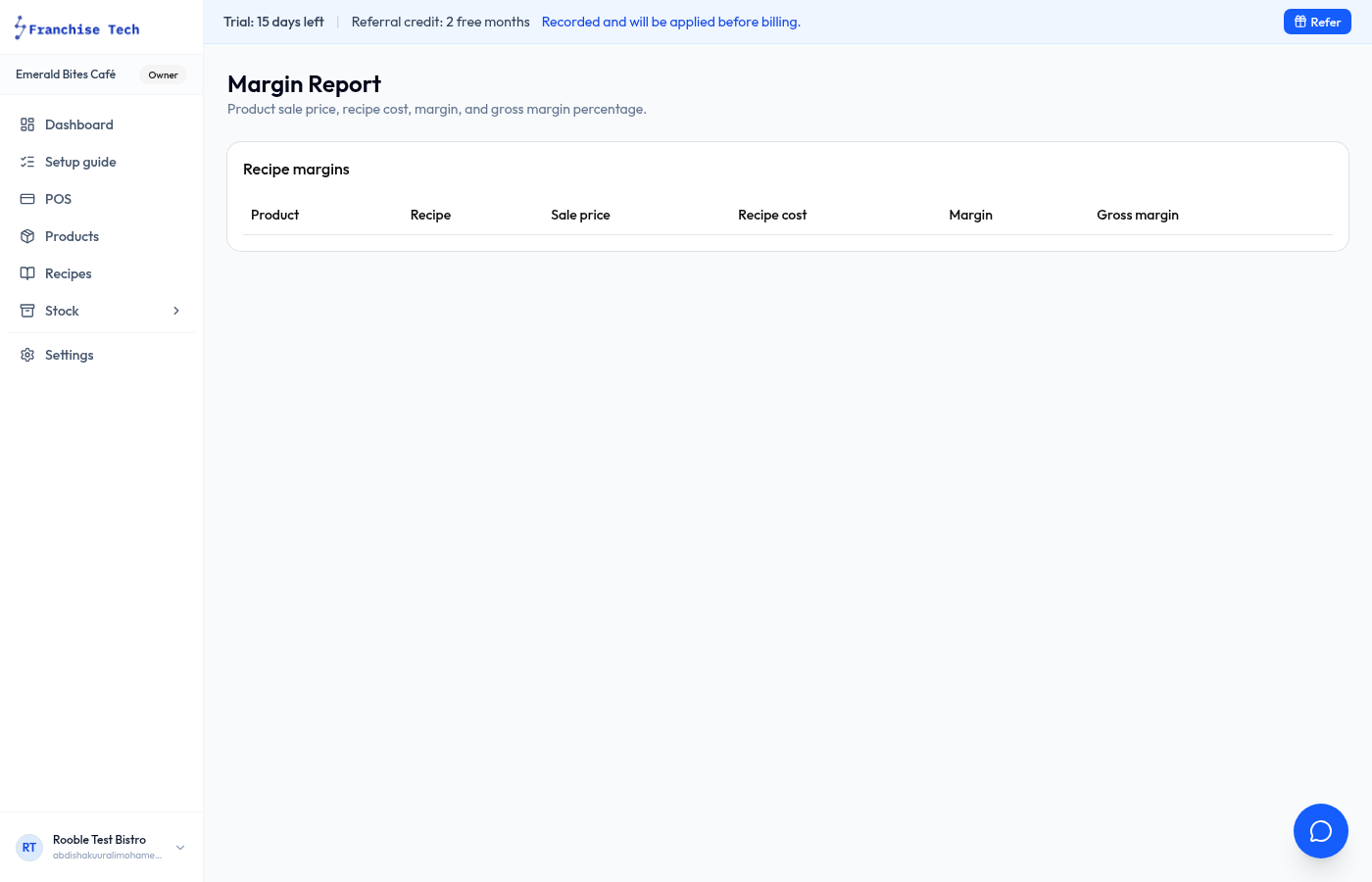
Read the margin summary
The recipe panel shows Cost per portion, Margin %, and Portions available based on current stock. Adjust price or reduce waste to improve margins.
You are all set!
Still stuck? Use the chat widget in the bottom-right corner — our team replies within one business day.